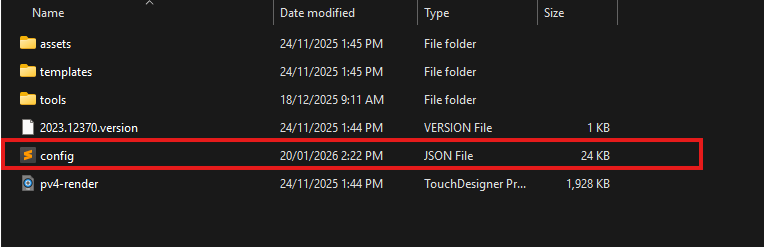
All Renderer Configuration is done within the user interface of the Renderer application and can be saved to file for backing up/sharing.
All configurable items displayed in the user interface are recallable.
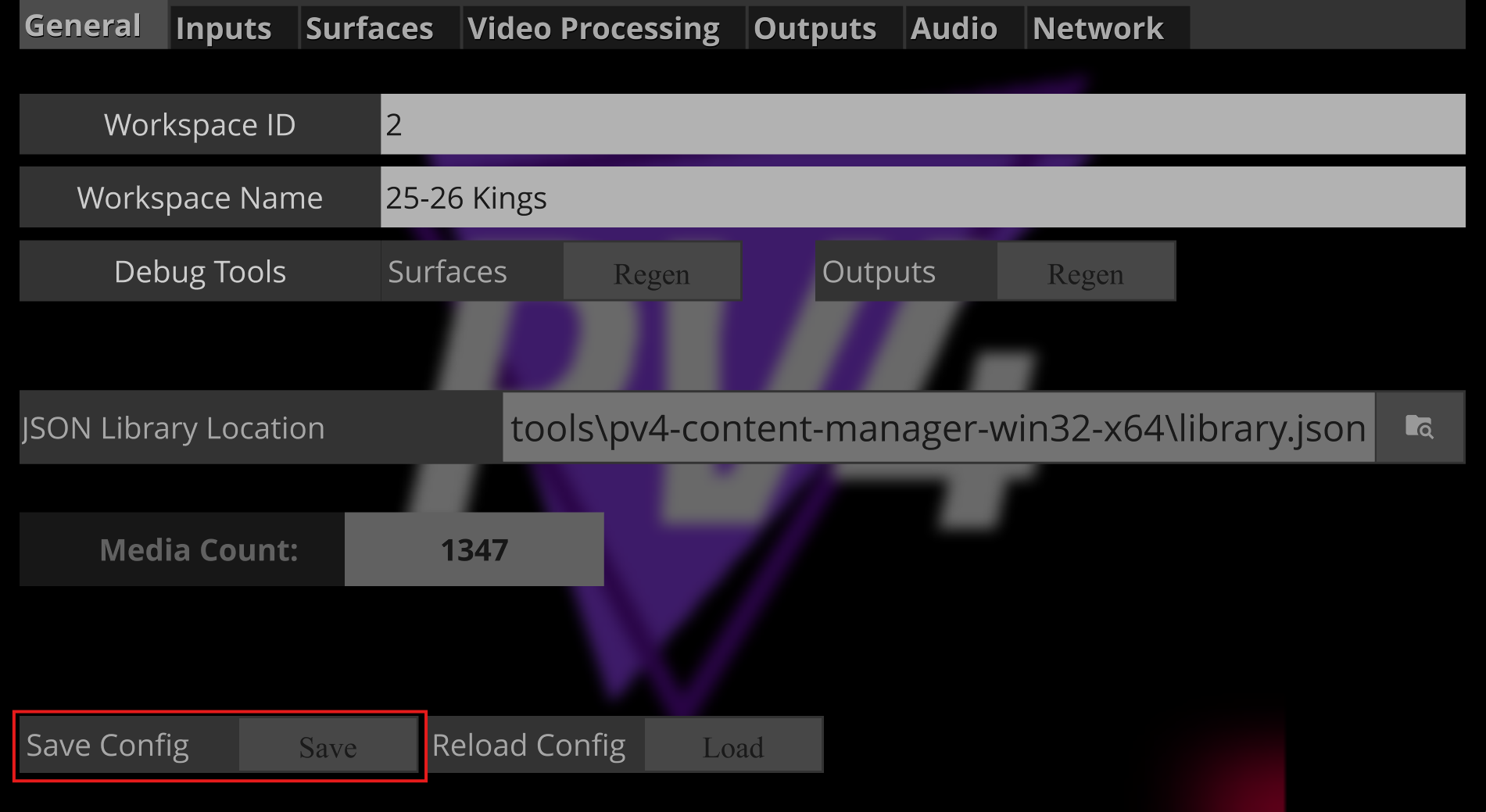
Saving a Config
Saving your config is crucial, there is no automatic saving. If you’ve made changes, and you restart the Renderer, all settings will be loaded from the local config file on start.
When exiting the Renderer application a TouchDesigner save prompt will appear and MUST always be declined. These save items do not relate to your show config and will overwrite any other saves.
Loading a Config
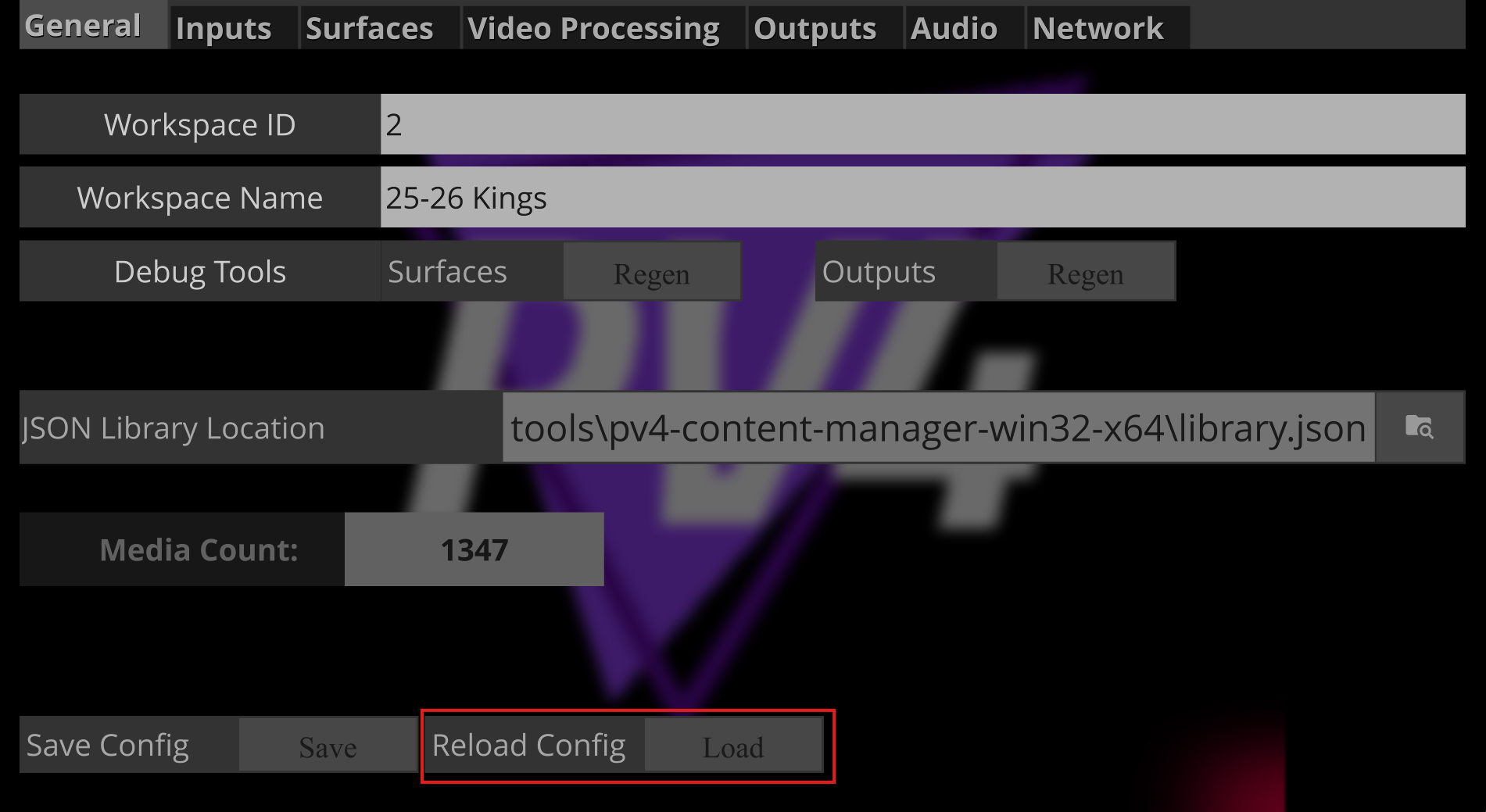
Loading a config is useful for rolling back a change you’ve made or importing settings from another Renderer. This will load all settings from the local ‘config.json’ that can be found in your Renderer application directory folder.
Locating a Config File
If a config file doesn’t already exist, it will be created automatically upon saving your config for the first time. It lives adjacent to your pv4-render application. This can be safely transferred to other Renderers to share full configuration setup.