

The Orchestrator application runs as a standalone application after download and does not require an installation process.
-
Download the Orchestrator from the provided link.
-
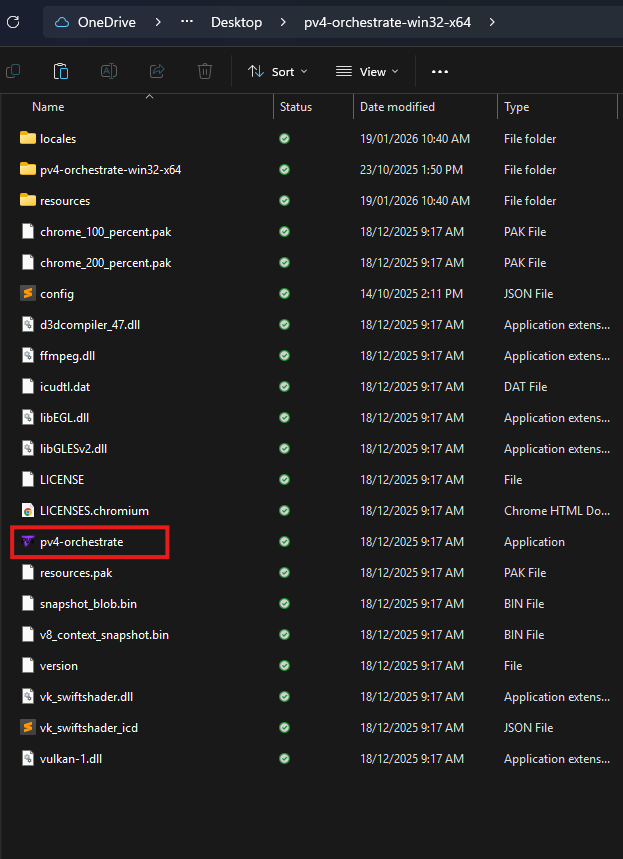
Unzip the folder and put the 'pv4-orchestrate-win32-x64' folder on your desktop or somewhere accessible on your PC.
-
This folder will contain the "pv4-orchestrate.exe" application. Double click this to open the Orchestrator application.
The Orchestrator will need to be configured before any Show can be loaded. See Orchestrator Configuration for how to configure your Orchestrator.
Loading of Shows, Events and Stats providers is done from the PV4 Controller Application, not directly on the Orchestrator.